
Your playlists.
Every screen.
A fast, beautiful player for Apple TV, iPhone, iPad, Mac, Windows, Android TV, Fire TV and Smart TVs. Add your own playlist once and watch everywhere.
Play Sot does not provide any content.


One app for all your screens
- Android TV
- Fire TV
- Mac
- Windows
- Apple TVComing soon
- iPhone
- iPad
- LG webOSComing soon
- Samsung TizenComing soon
- Philips Titan OSComing soon
- Hisense VIDAAComing soon
Designed to feel at home on every screen

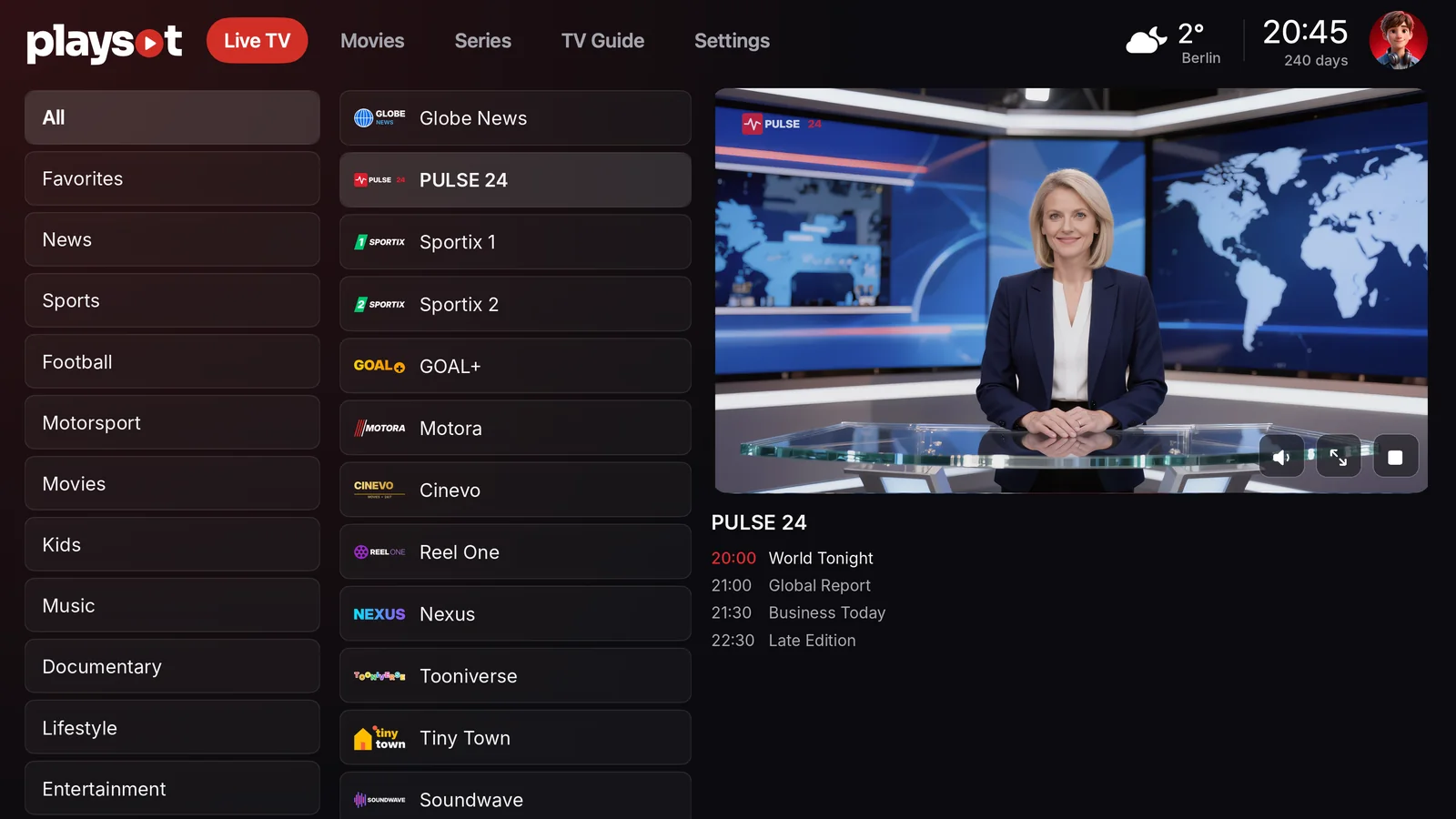
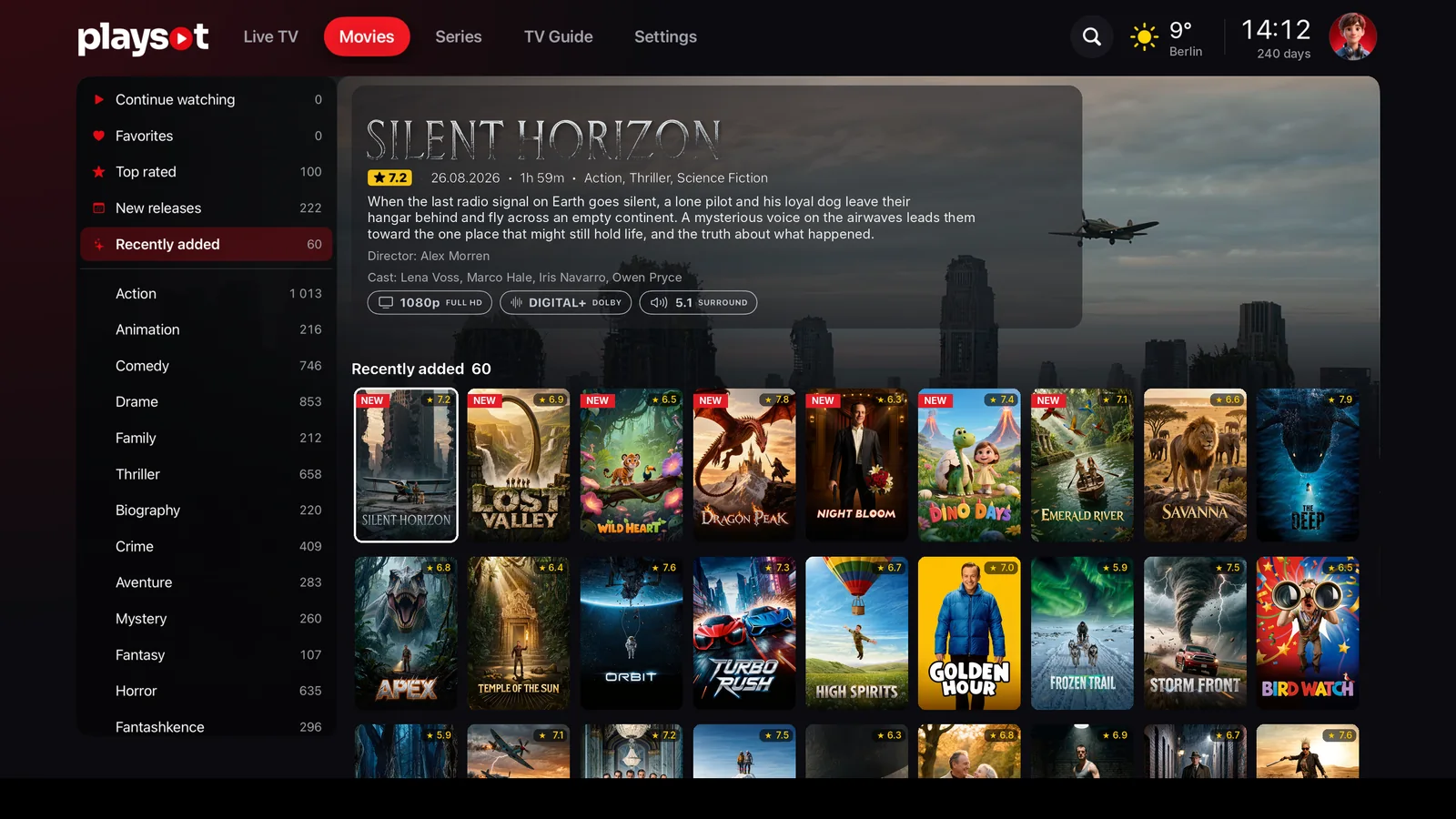
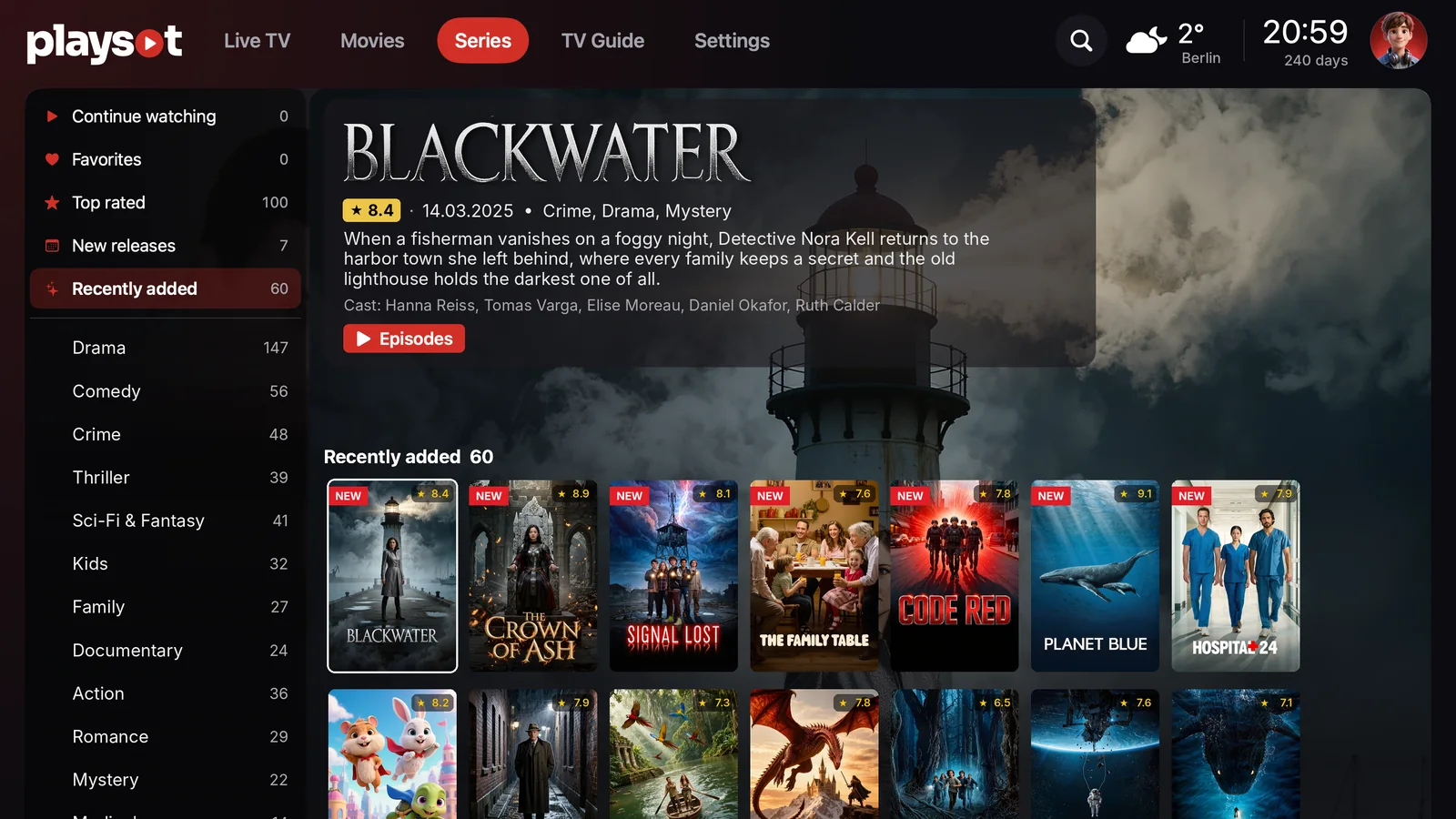
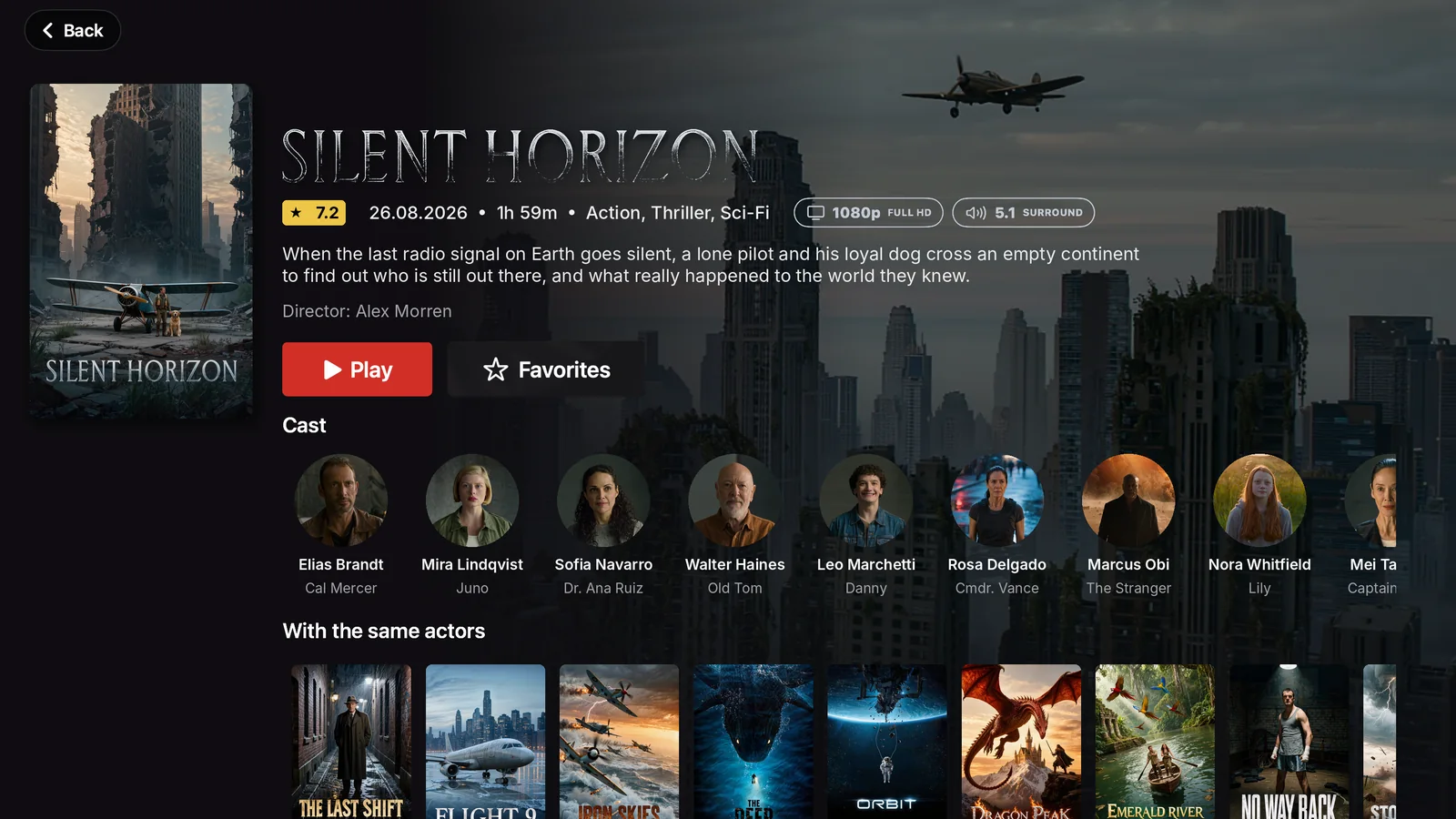



Everything you need to watch comfortably
Designed for the big screen, just as good on your phone.
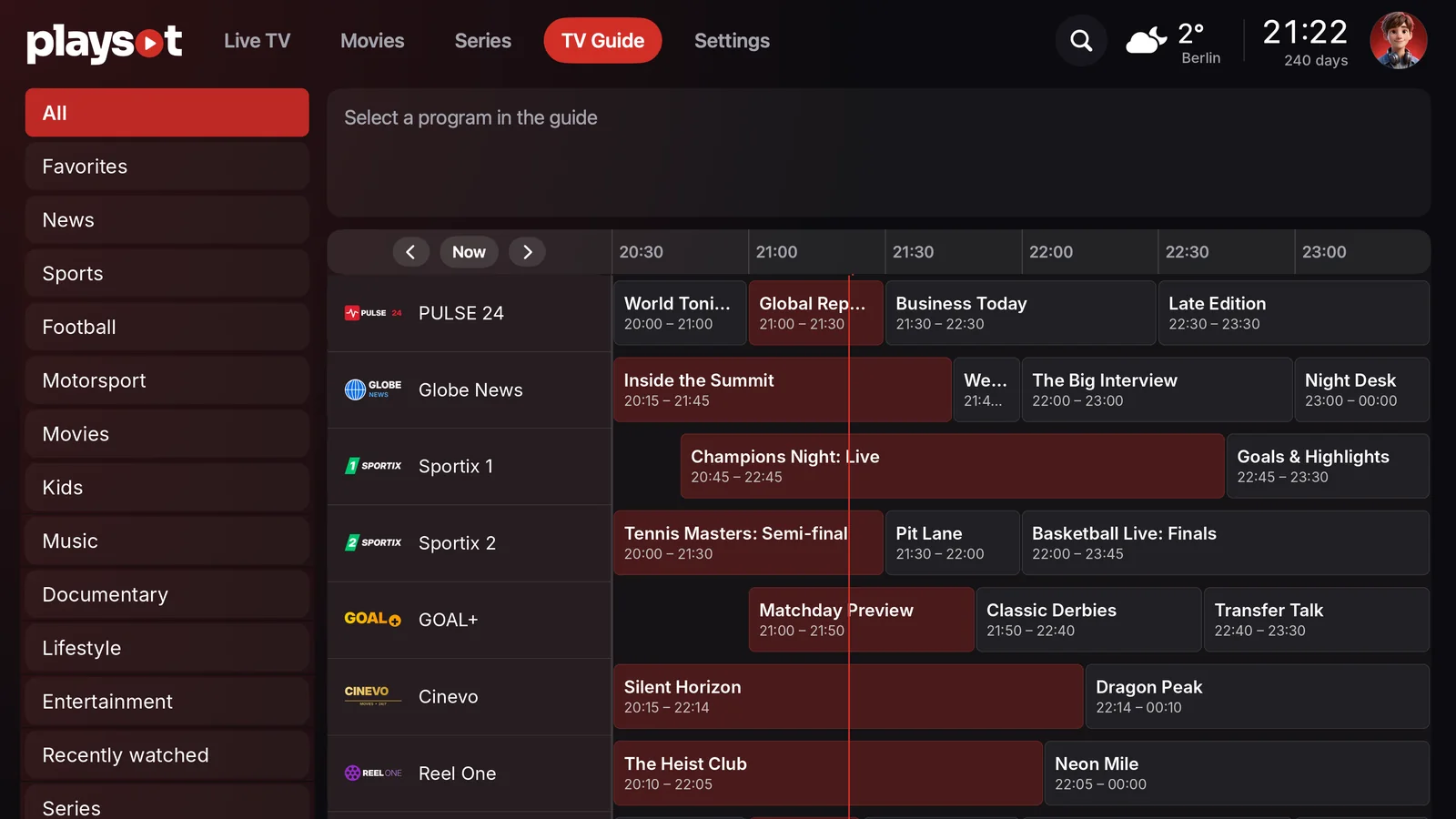
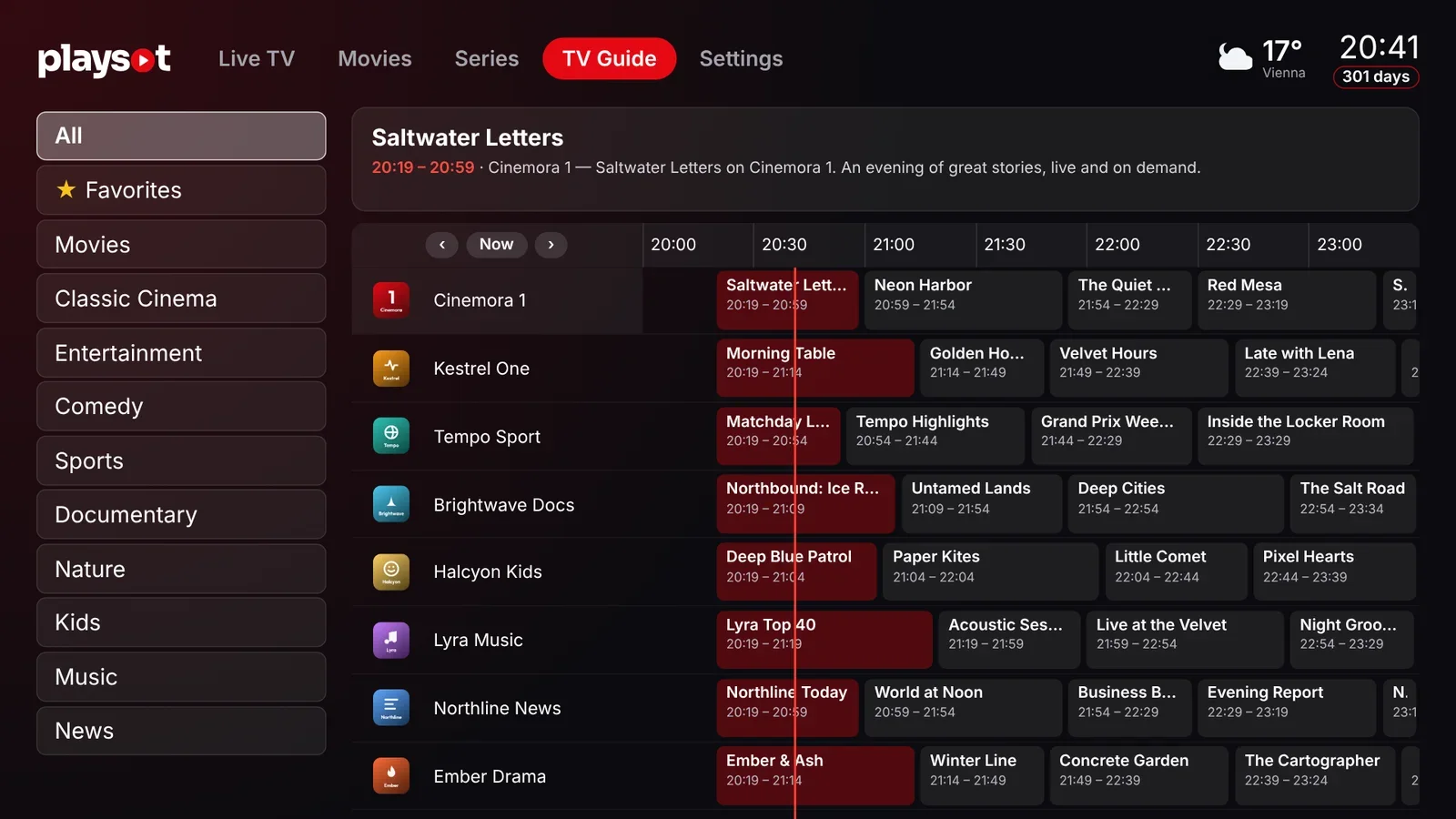
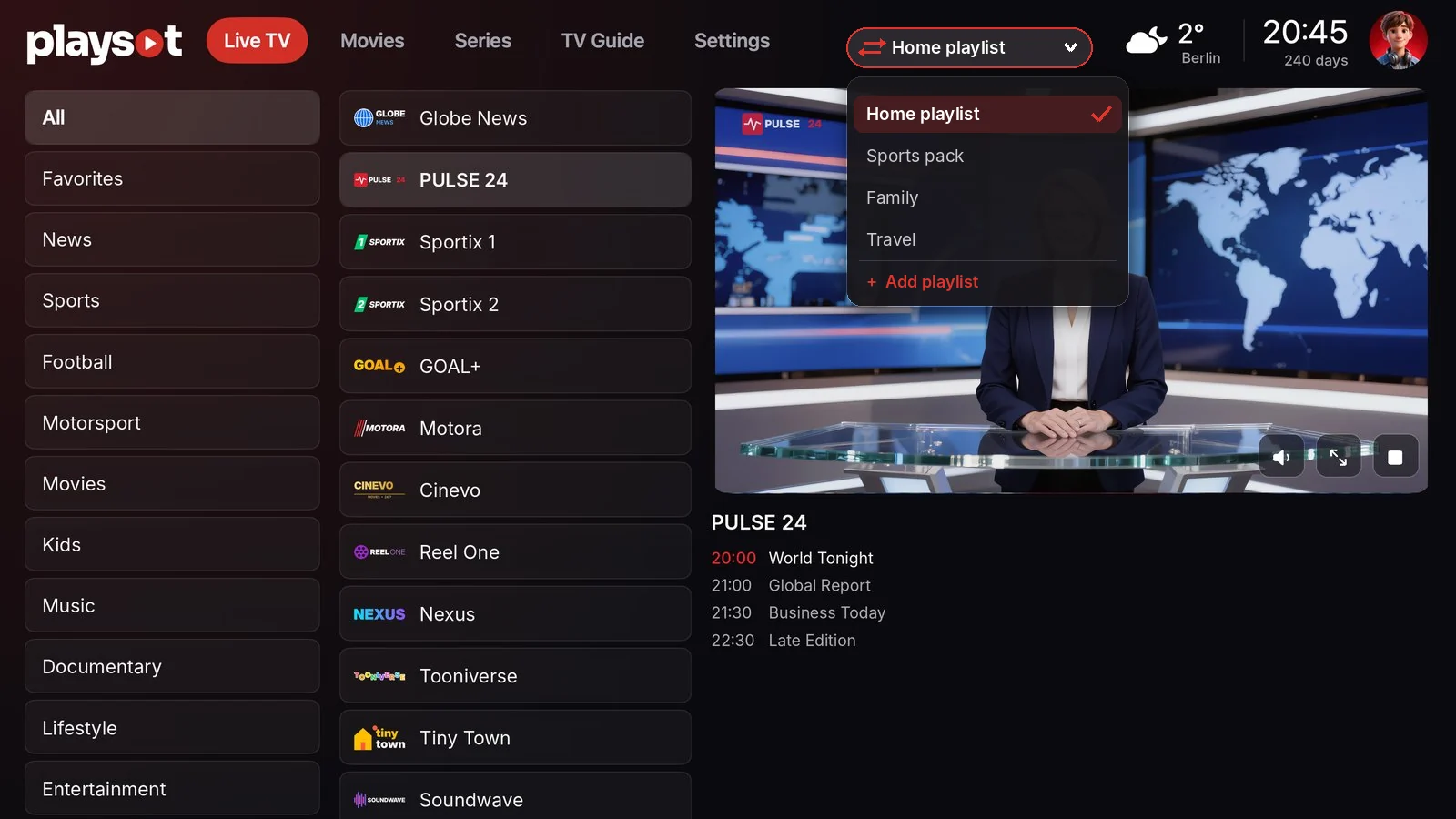
Live TV & TV guide
Categories, favorites and a full EPG grid with what is on now and next.
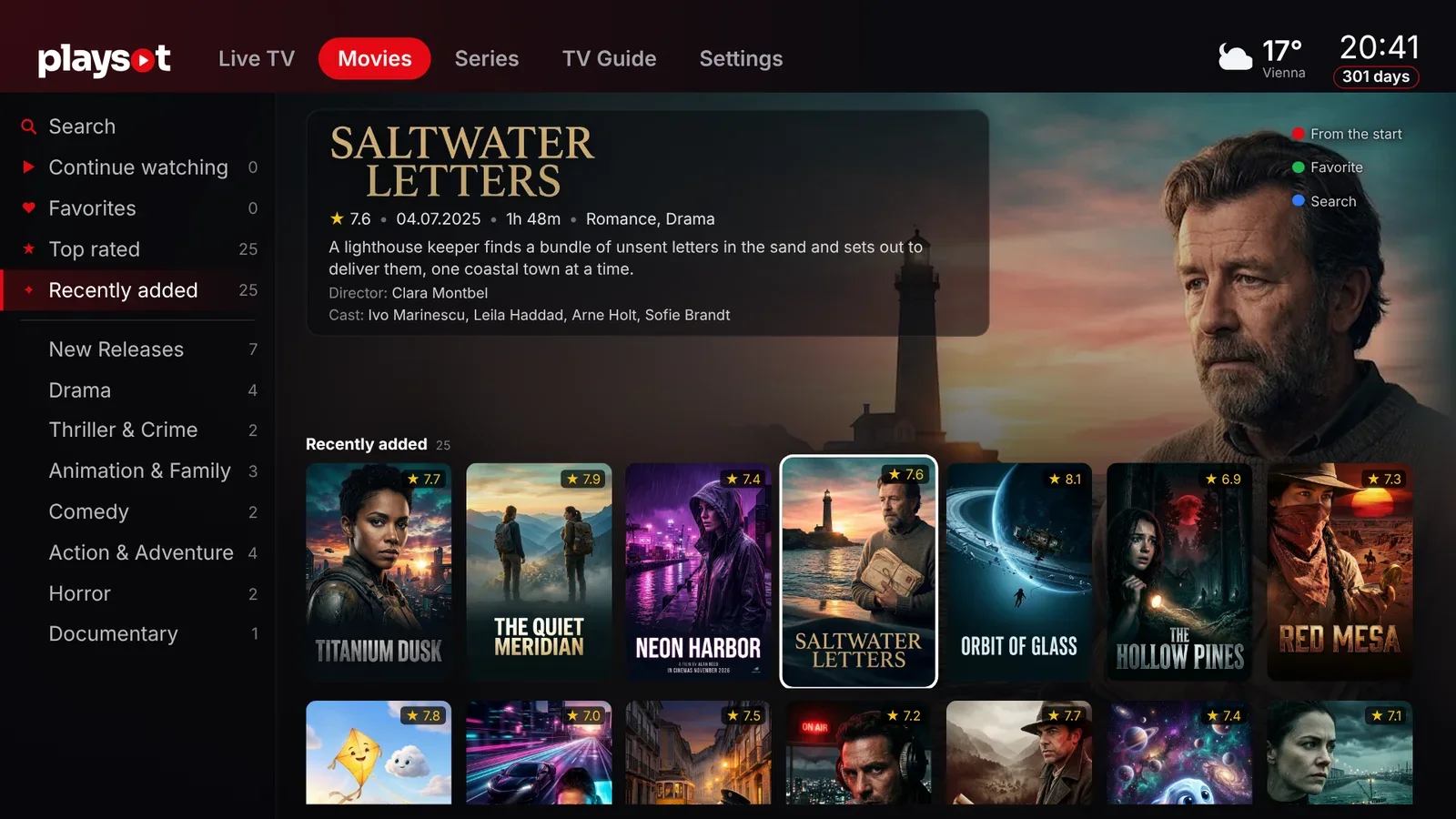
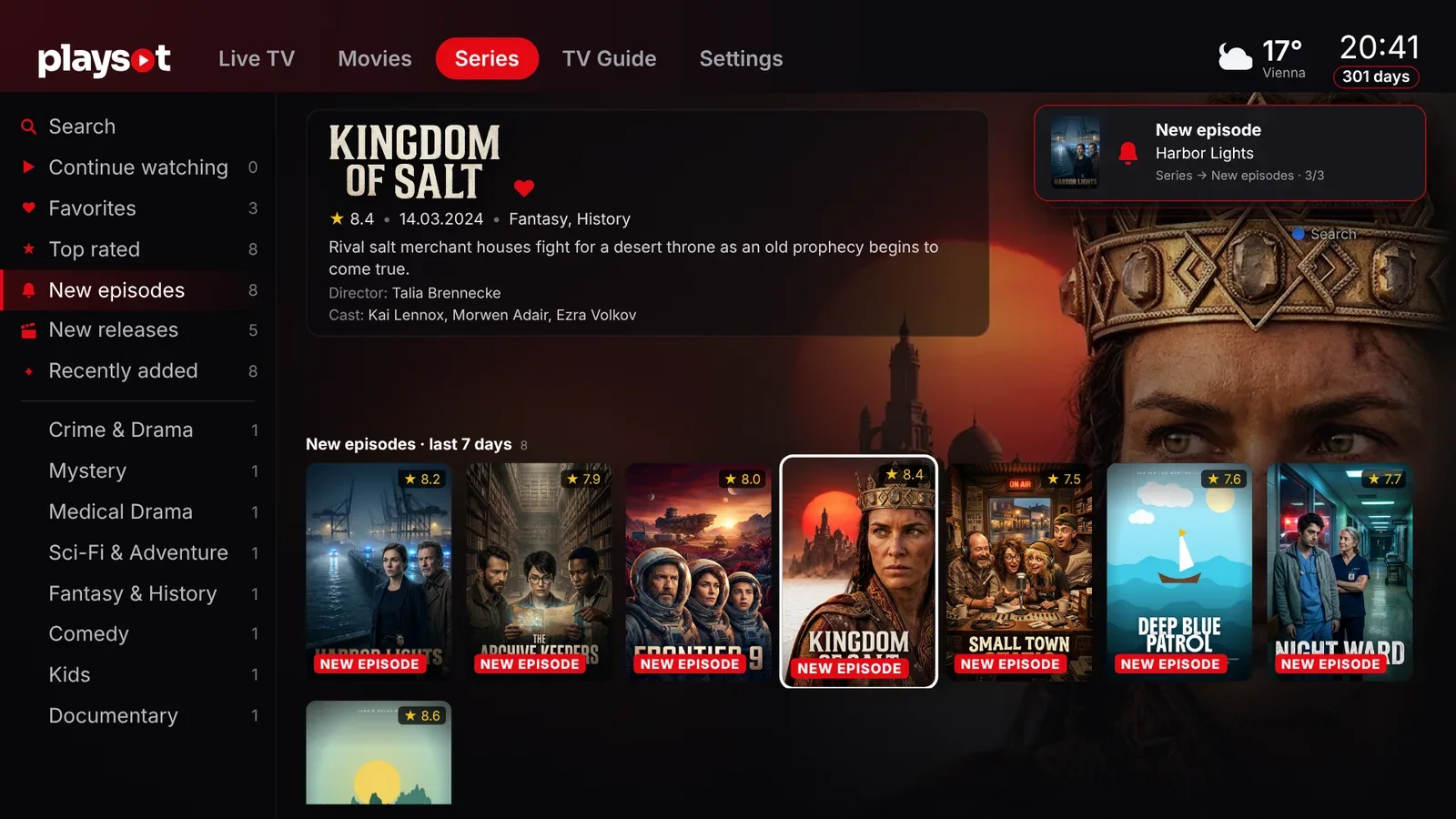
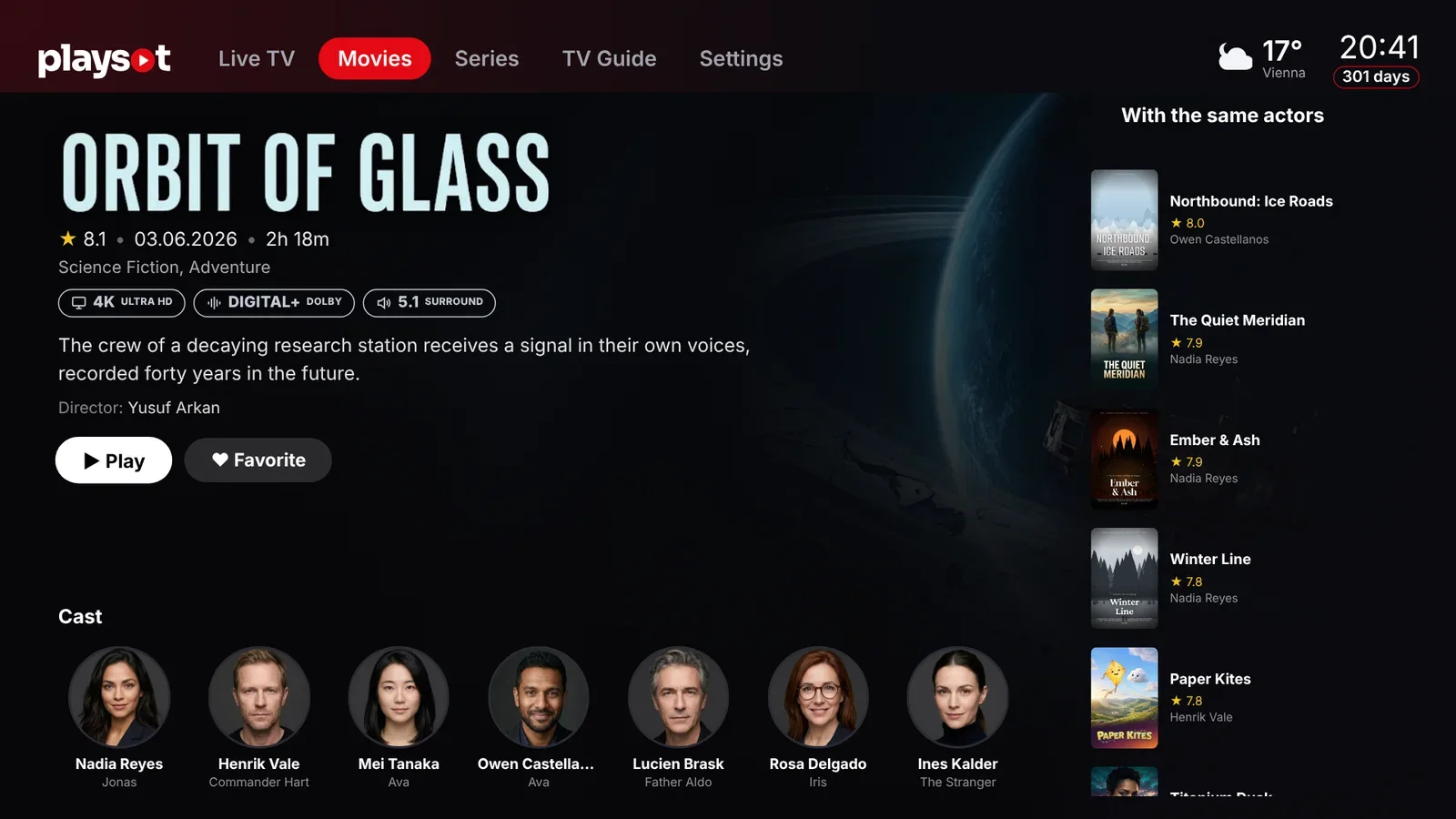
Movies & series
Posters, descriptions, cast and continue watching where you left off.
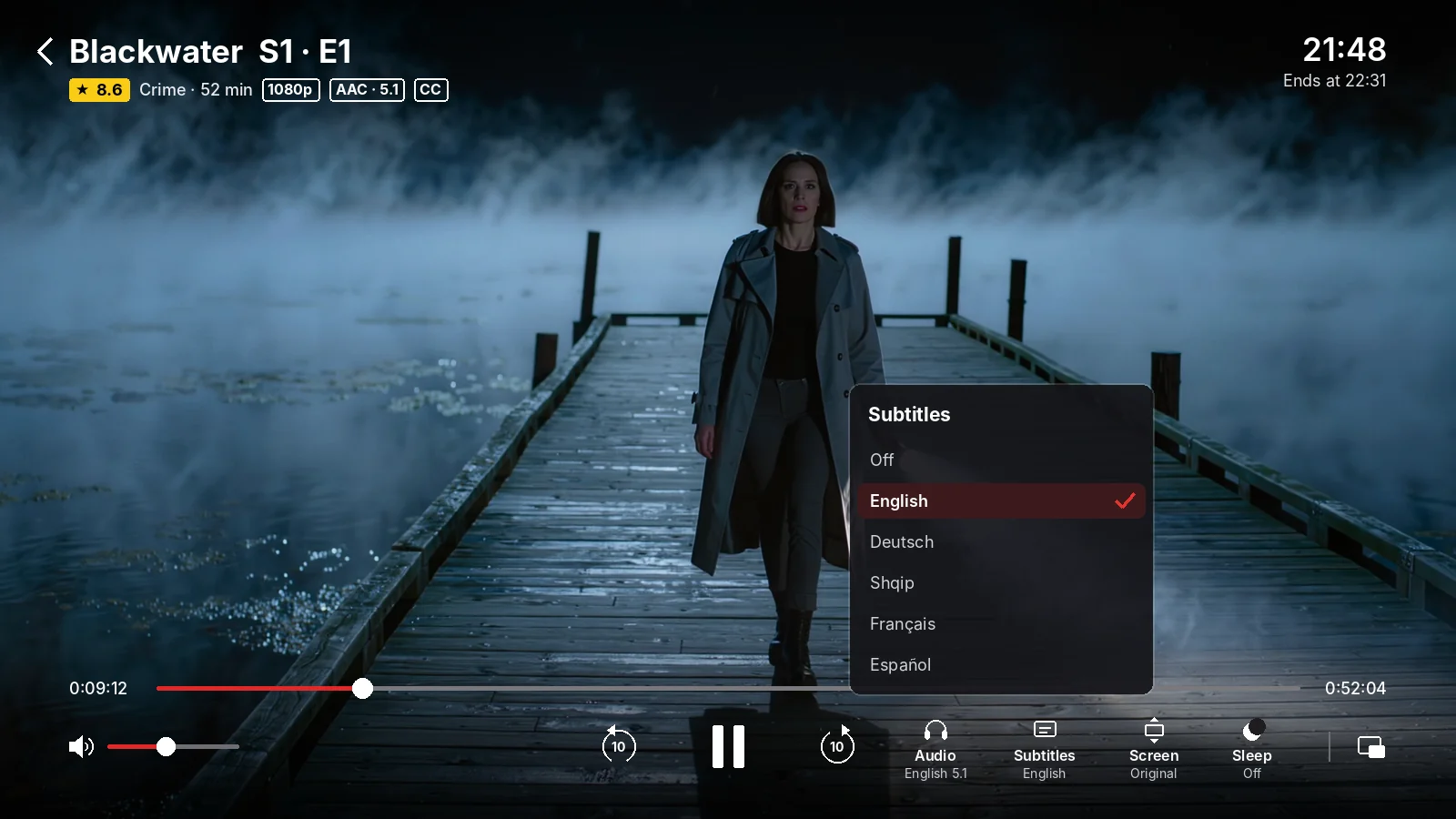
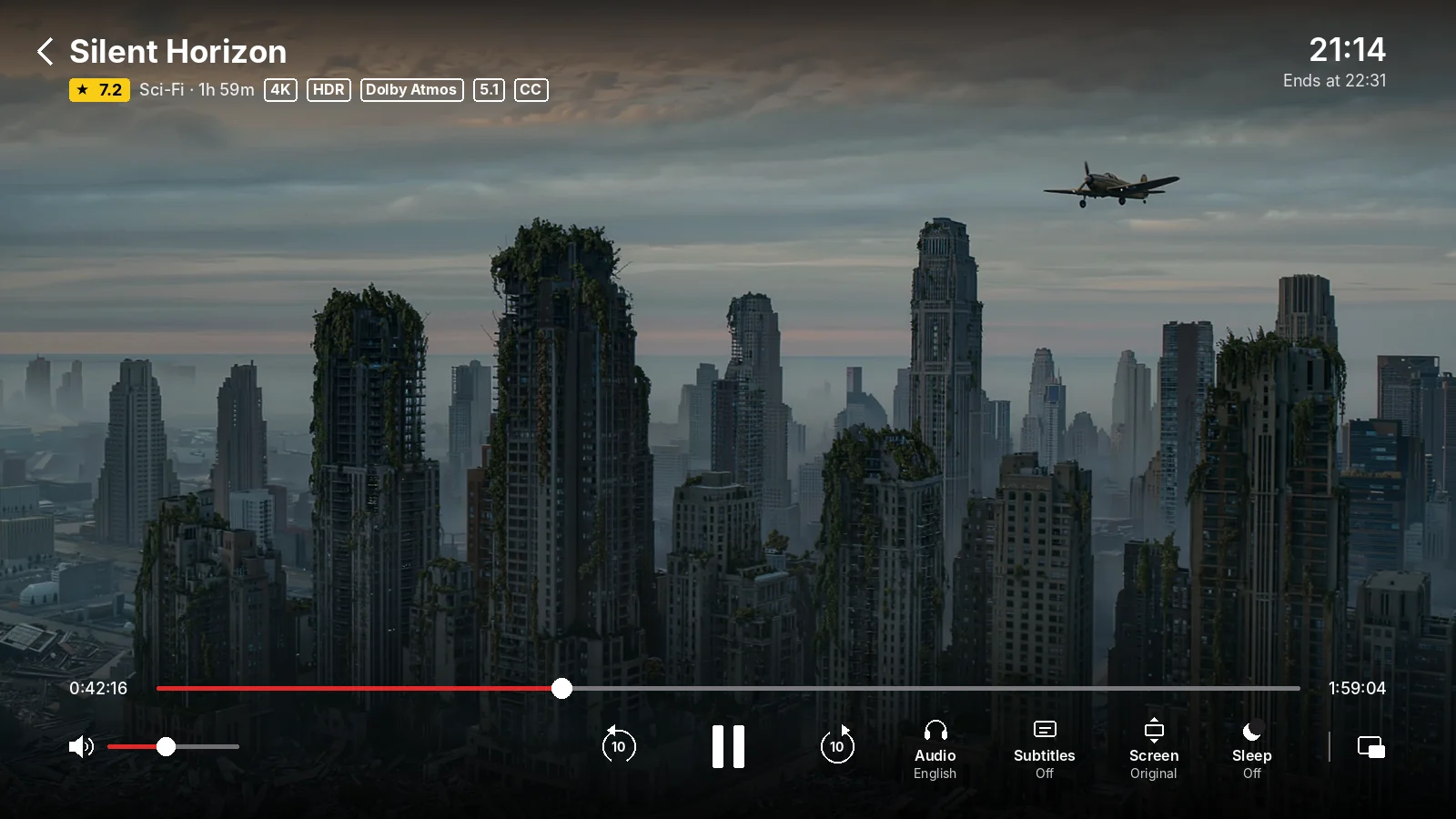
Pro movie player
Choose the audio track and subtitles, change the screen format and see resolution, HDR and sound at a glance.
17 languages
The app and this website speak your language. It is picked automatically from your device.
Parental control
Adult categories lock automatically and open only with your PIN.
Manage from the web
Add, edit and switch up to 10 playlists from any browser. No typing on the TV remote.
New in Play Sot
Our latest updates, rolling out to every platform.
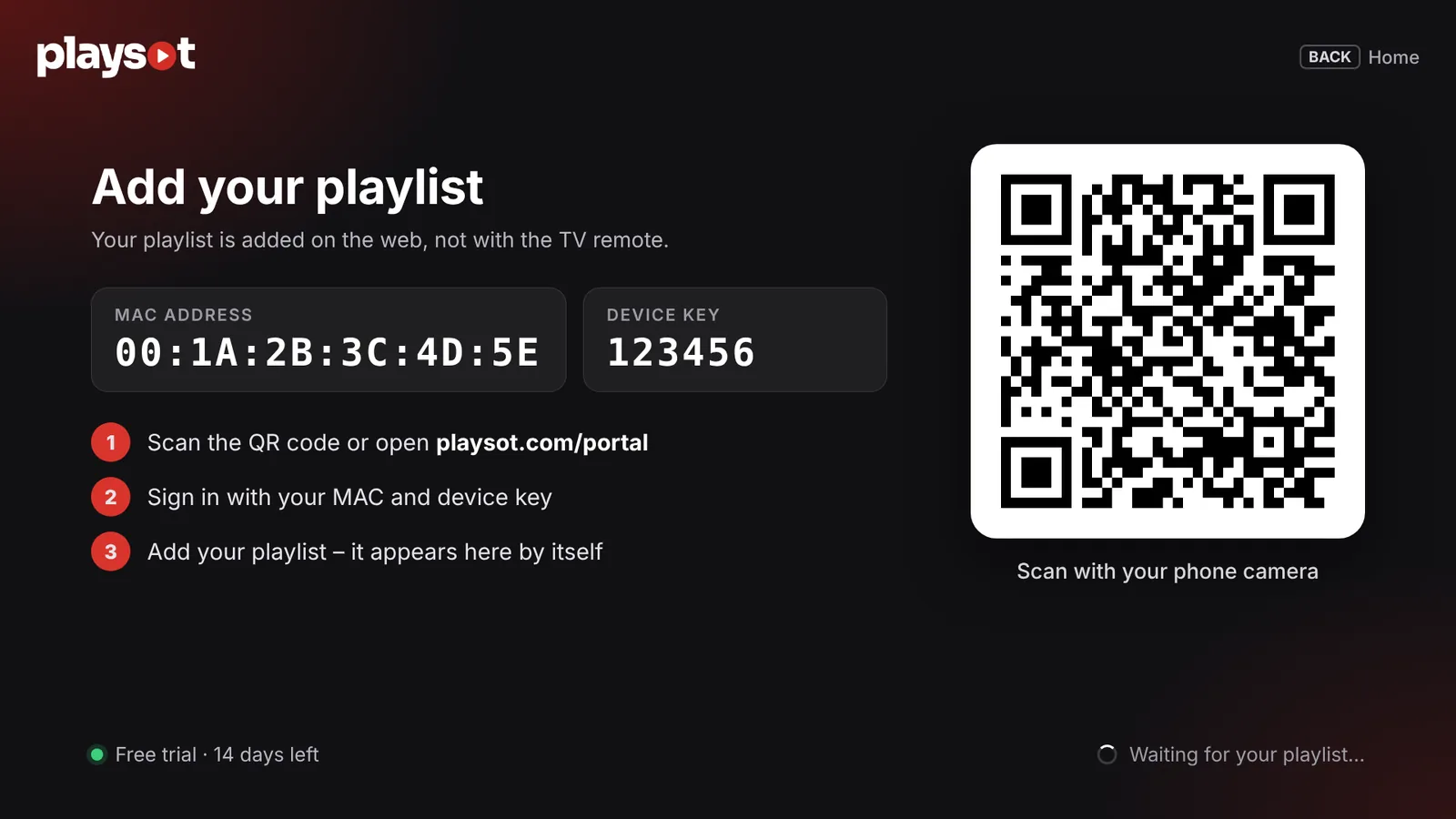
Ready in three steps
- 1
Install Play Sot
Open the app on your TV, phone or computer. You will see your MAC and Key.
- 2
Sign in on the portal
Go to playsot.com/portal or scan the QR code shown in the app.
- 3
Add your playlist
Enter your XC or M3U details. The app loads it in seconds.
Simple, honest prices
- Encrypted connection
- Servers in the EU · GDPR
- A product of Erno Music LLC
- Personal email support
Get Play Sot for your device
Android TV, Fire TV & Android
Android TV · Google TV · Fire TV · Android
Installation guideThe app updates itself automatically. Requires Android 5.0 or newer.
Play Sot for Windows
Windows 10 and 11 (64-bit).
Download for Windows- Download and open PlaySot-Setup.exe.
- If Windows shows “Windows protected your PC”, click More info, then Run anyway.
- Follow the installer, then open Play Sot from the Start menu. Your 14-day free trial starts automatically.
Play Sot for iPhone & iPad
iOS & iPadOS · free download

14-day free trial
Apple, the Apple logo, iPhone and iPad are trademarks of Apple Inc., registered in the U.S. and other countries. App Store is a service mark of Apple Inc.
A player, not a provider
Play Sot does not provide, sell or include any channels, movies or other content. Only add playlists from providers you are legally entitled to use.
Frequently asked questions
Still have questions?
Write to us and we will get back to you as soon as possible.