14-day free trialmacOS 15 or later · Apple Silicon & Intel
Silent Horizon
★ 7.2Sci-Fi, Adventure · 1h 59m1080pAAC · 5.1
21:14Ends at 22:31
0:42:16
1:59:04
AudioEnglish
SubtitlesOff
ScreenOriginal
Play SotFileViewWindowHelpSat 21:14
Features
Everything you need, beautifully on your Mac
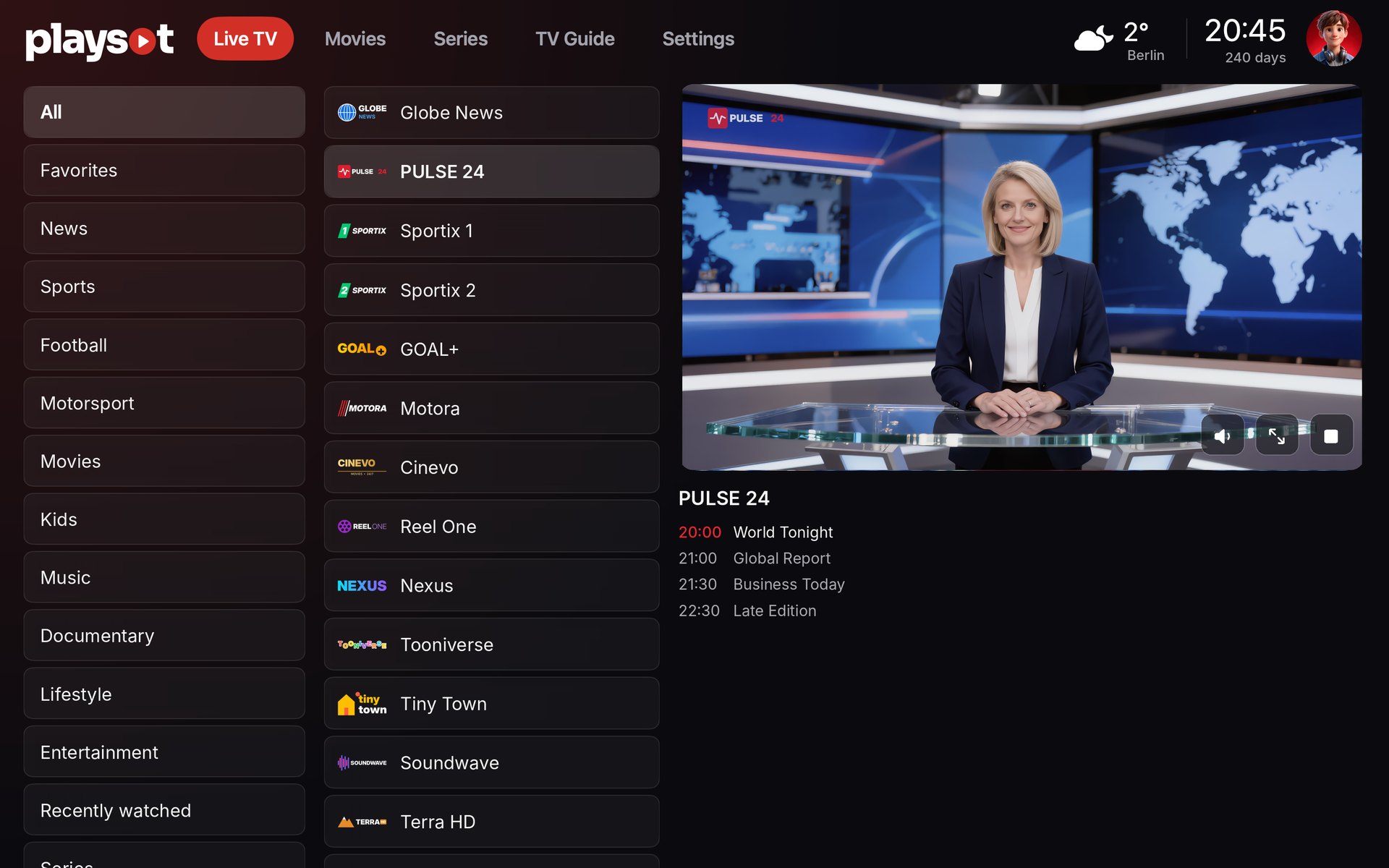
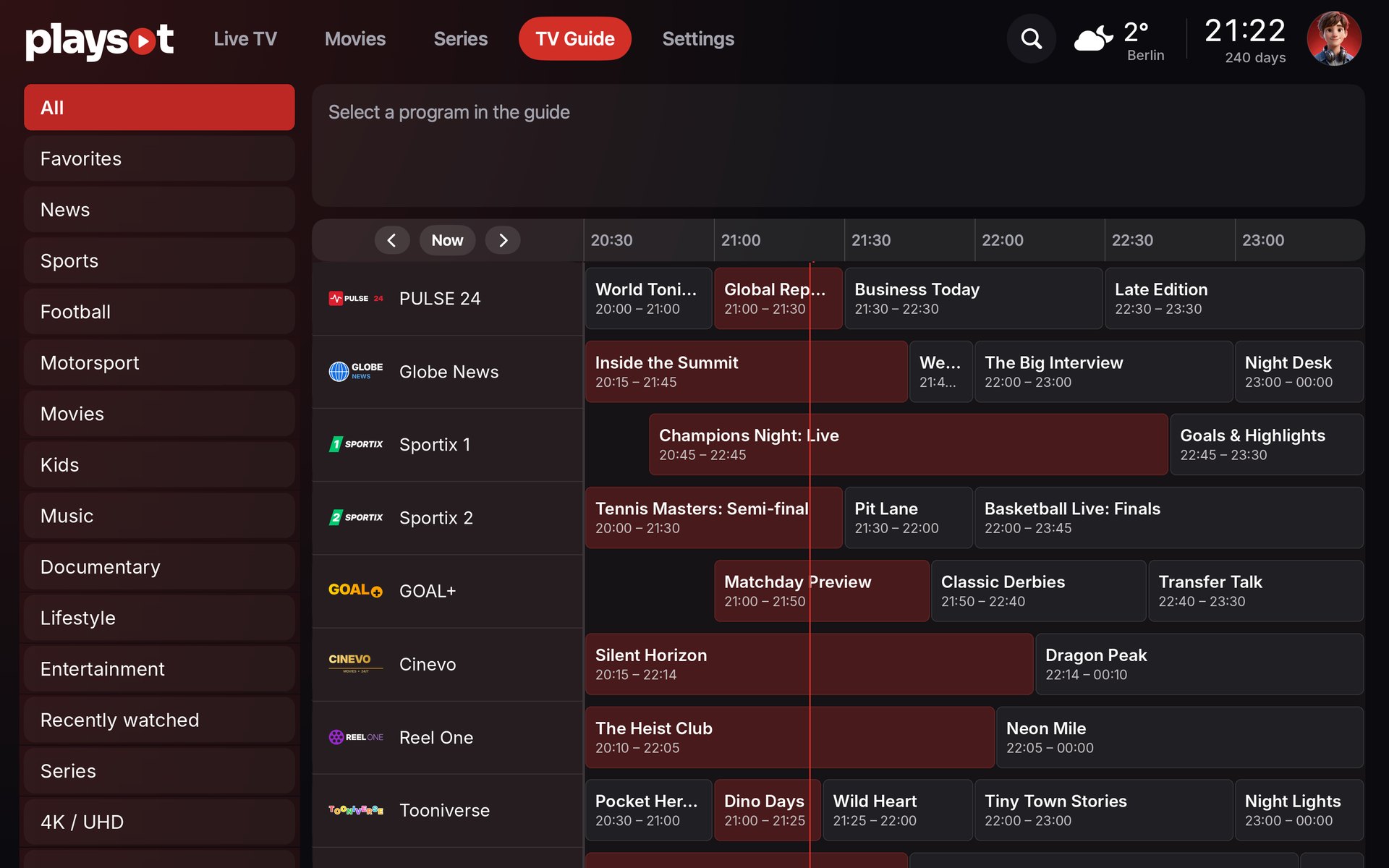
Live TV & TV guide
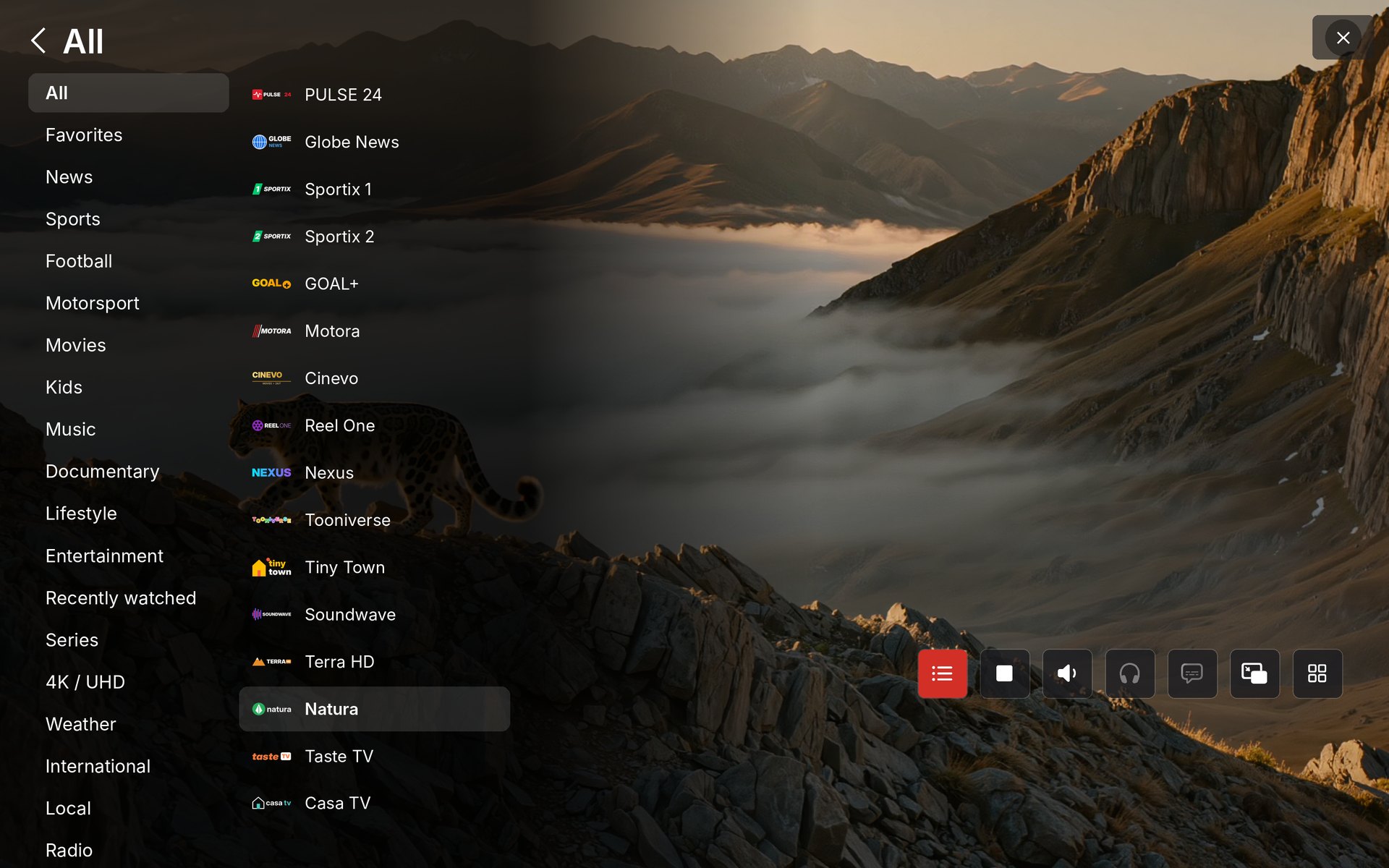
Categories, favorites and a full guide with what's on now and next.
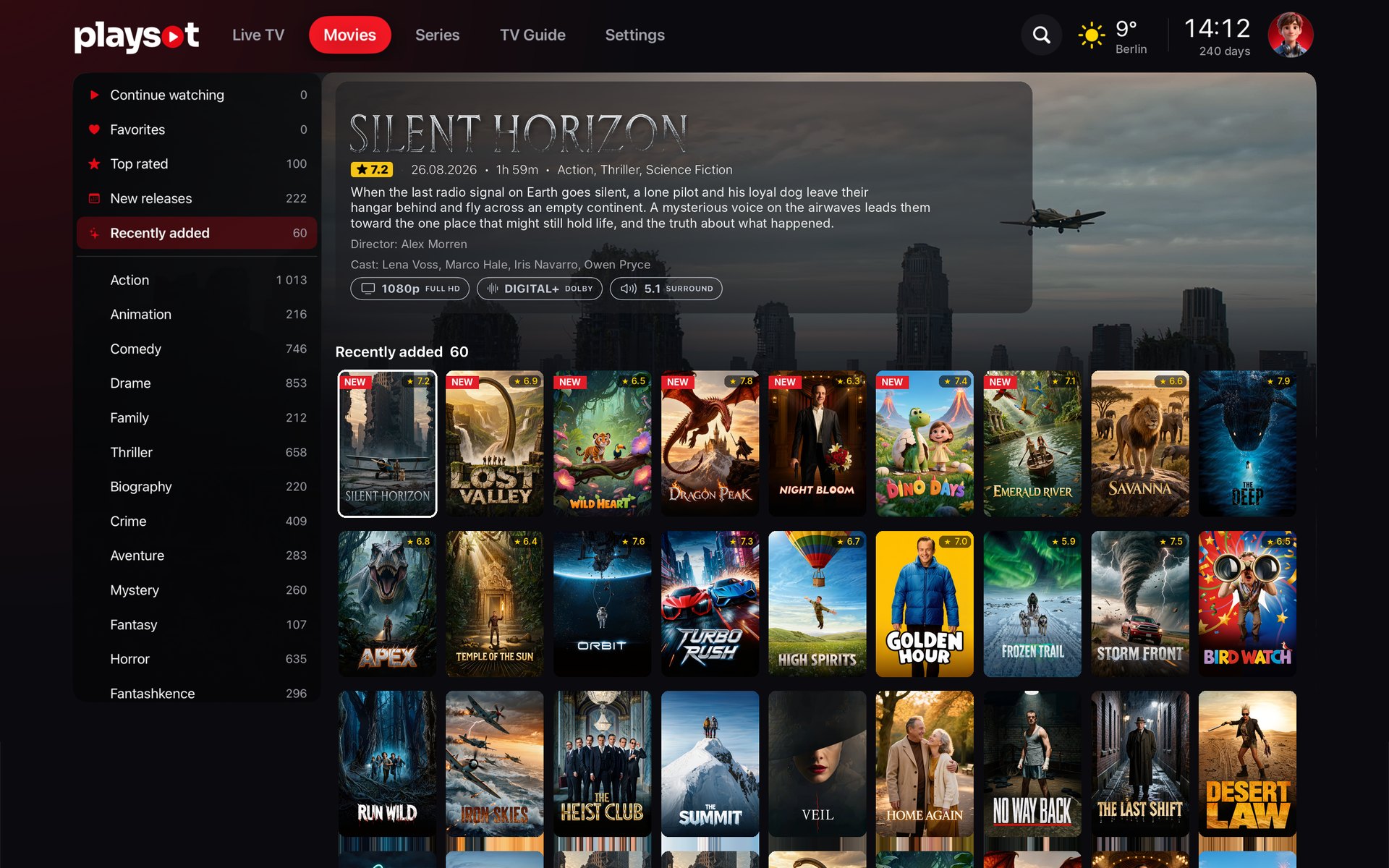
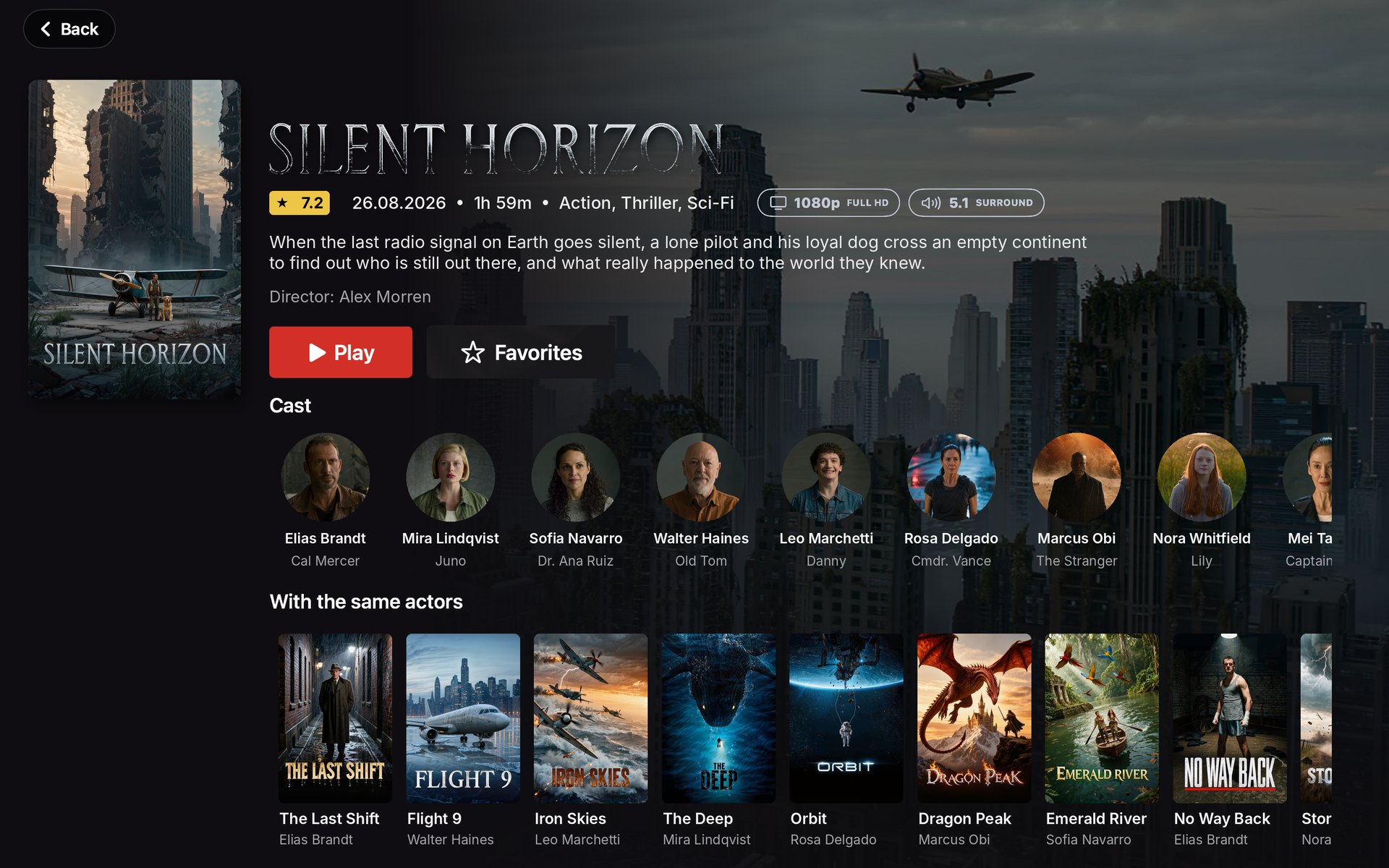
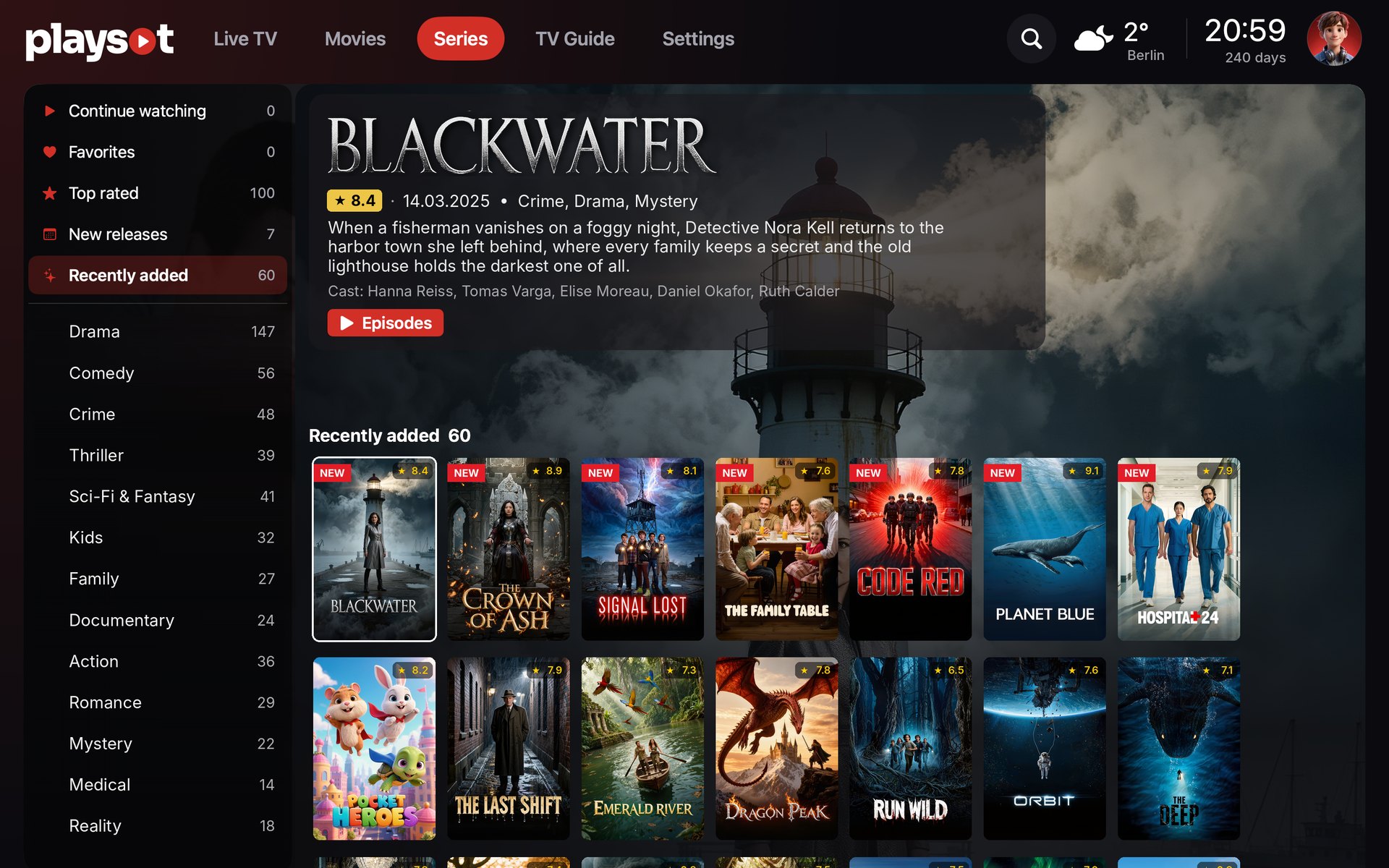
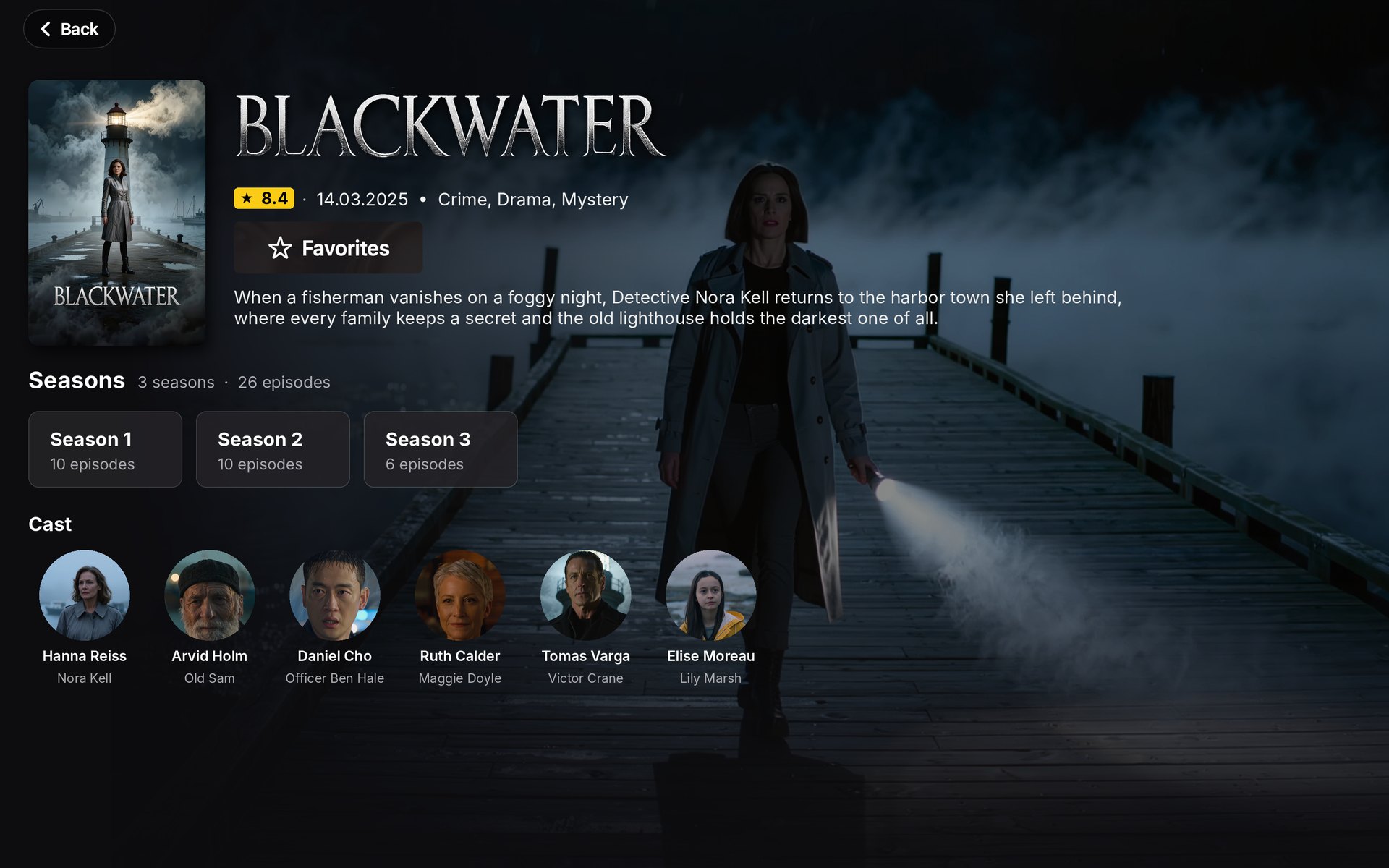
Movies & series
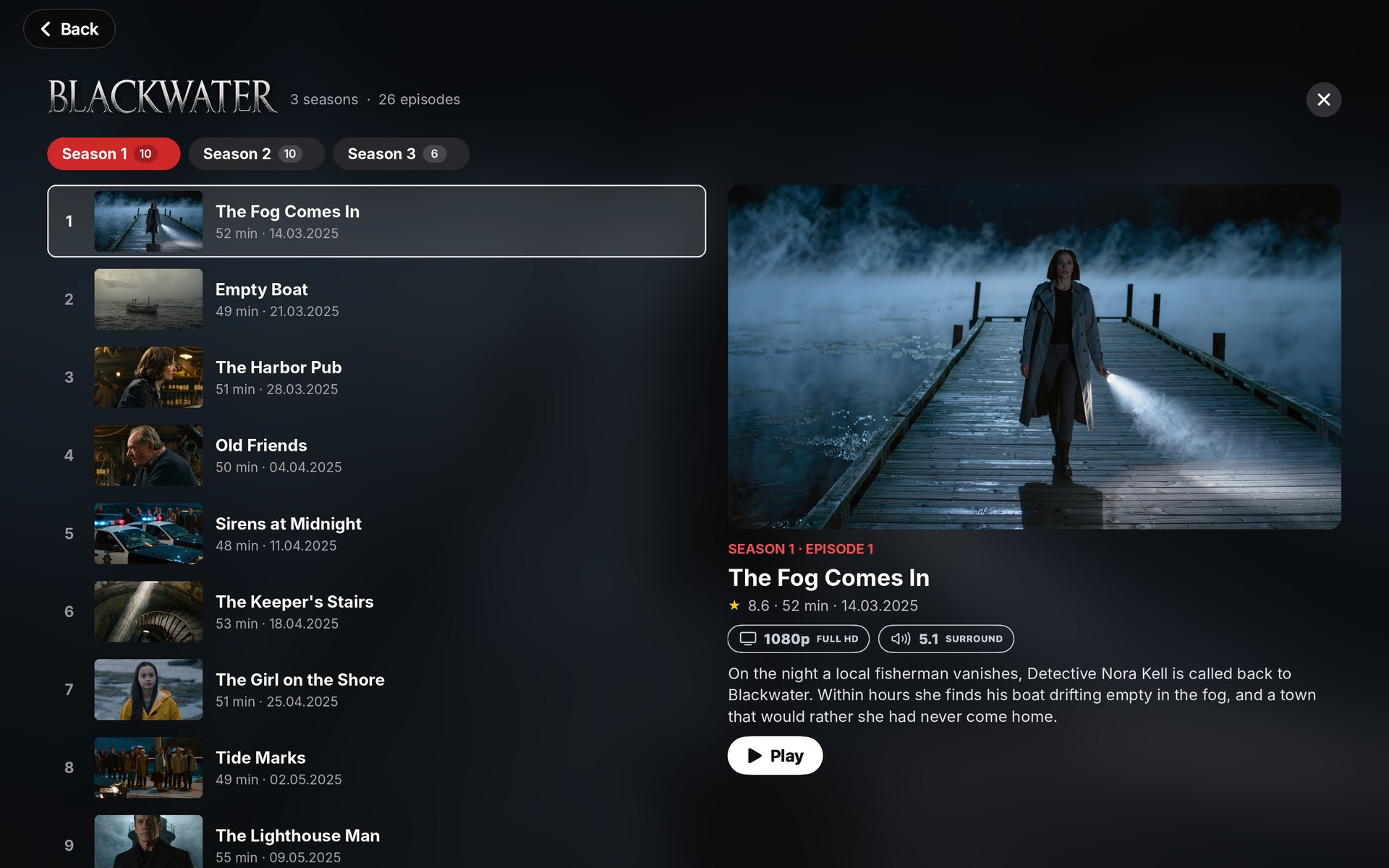
Posters, ratings, cast and seasons, neatly organized.
Continue watching
Pick up exactly where you left off.
Pro player
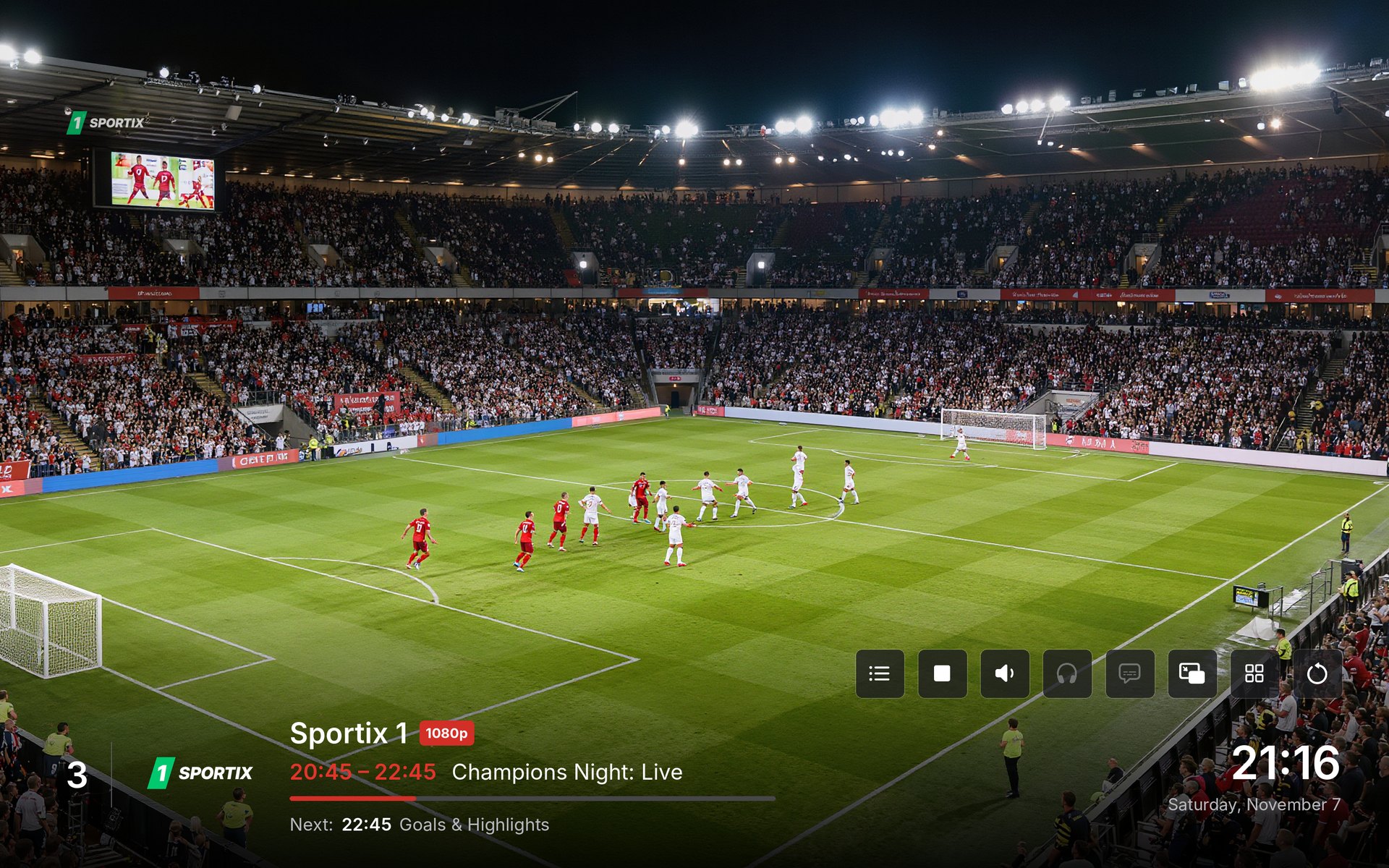
Audio language, subtitles and picture size in a few clicks.
Quality at a glance
4K, Full HD, HDR and 5.1 badges shown from your playlist.
Picture in Picture
Keep watching in a floating window while you work.
Parental control
Adult categories stay locked behind your PIN.
17 languages
The app speaks your language, from English to Albanian.
Profiles for the family
Up to 5 profiles with their own avatar, favorites and history. Kids profiles stay safe.
Catch-up
Missed something? Go back in time on channels with archive, or start the show from the beginning.
Multi-screen
Watch up to 4 channels at once and move the sound with one click.
Quick playlist switch
Have more than one playlist? Switch between them from the top of the screen.
Installation
Ready in three steps
Download
Get the .dmg file with the button on this page.
Install
Open the .dmg and drag Play Sot into the Applications folder.
Add your playlist
Open Play Sot, then sign in at playsot.com/portal with the MAC and Key shown in the app.
Opening Play Sot for the first time
Play Sot is signed and notarized by Apple. The first time you open it, macOS asks if you are sure you want to open an app downloaded from the internet. Click Open (1) and you are done.
“Play Sot” is an app downloaded from the Internet. Are you sure you want to open it?
Apple checked it for malicious software and none was detected.