Inside the app
A clean look, made for the big screen
 Play Sot
 Play Sot
 Play Sot
 Play Sot
 Play Sot
 Play Sot
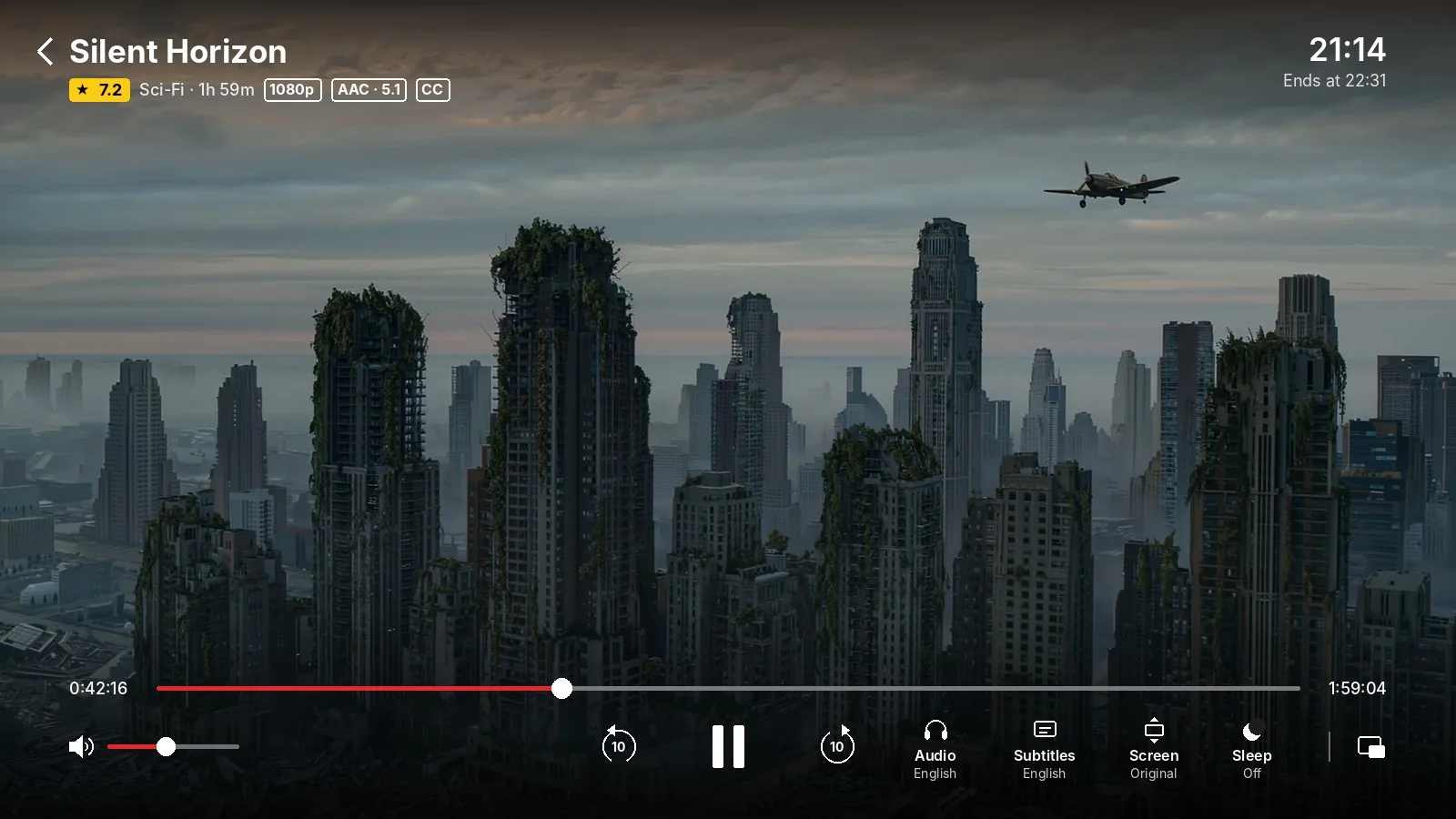
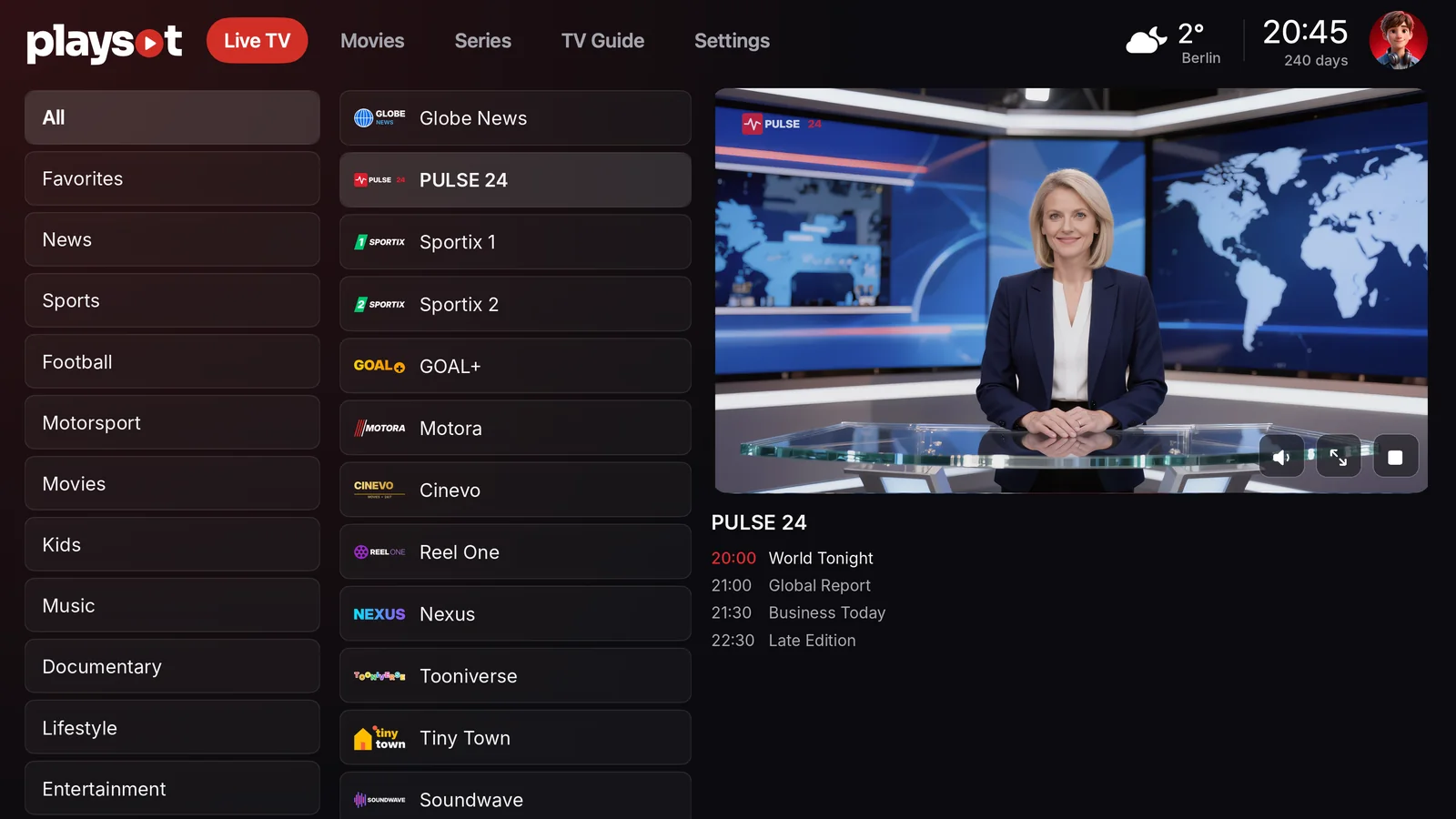
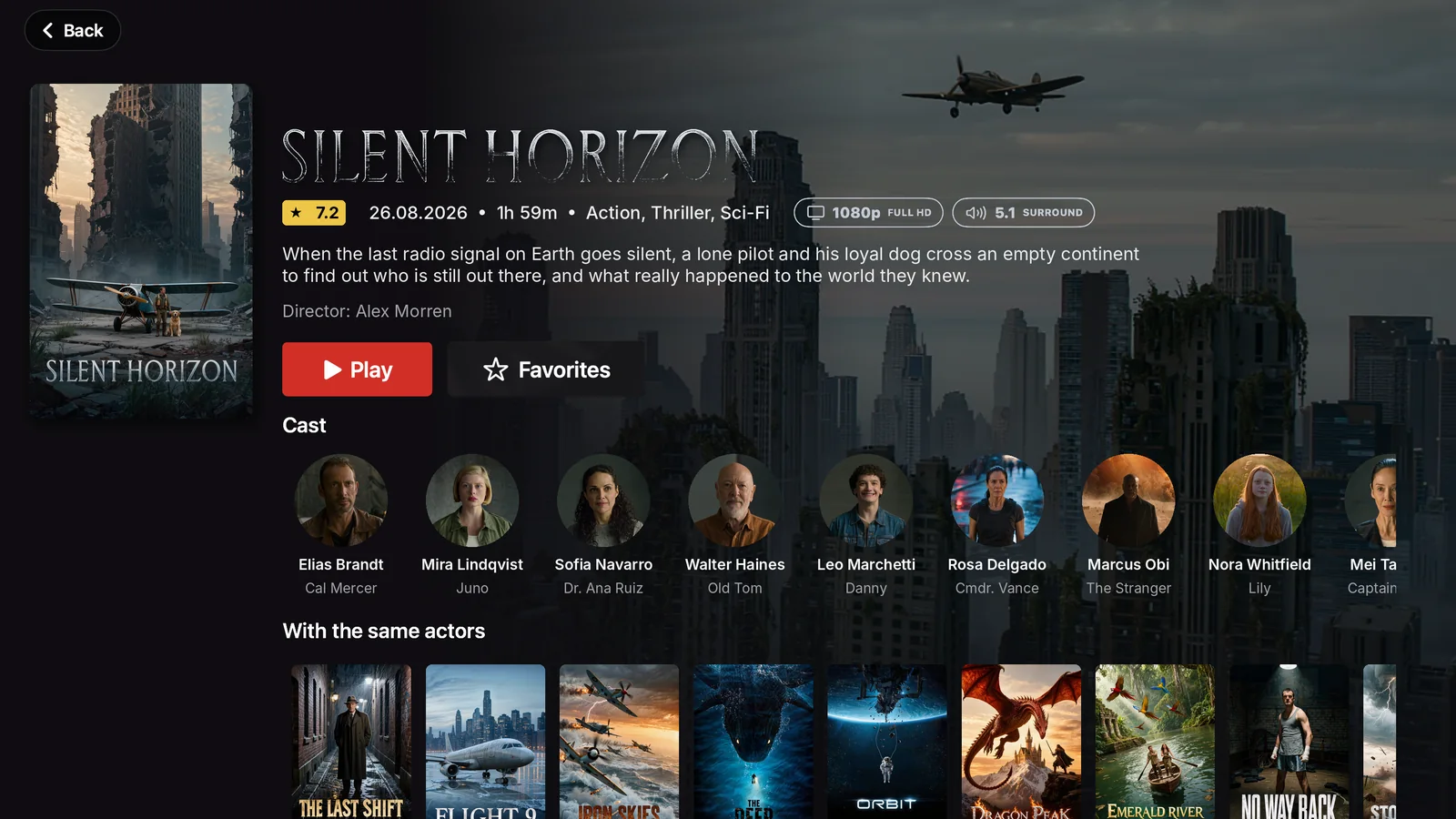
Your playlists on your PC: live channels with a TV guide, movies and series in a fast, native app built for Windows.
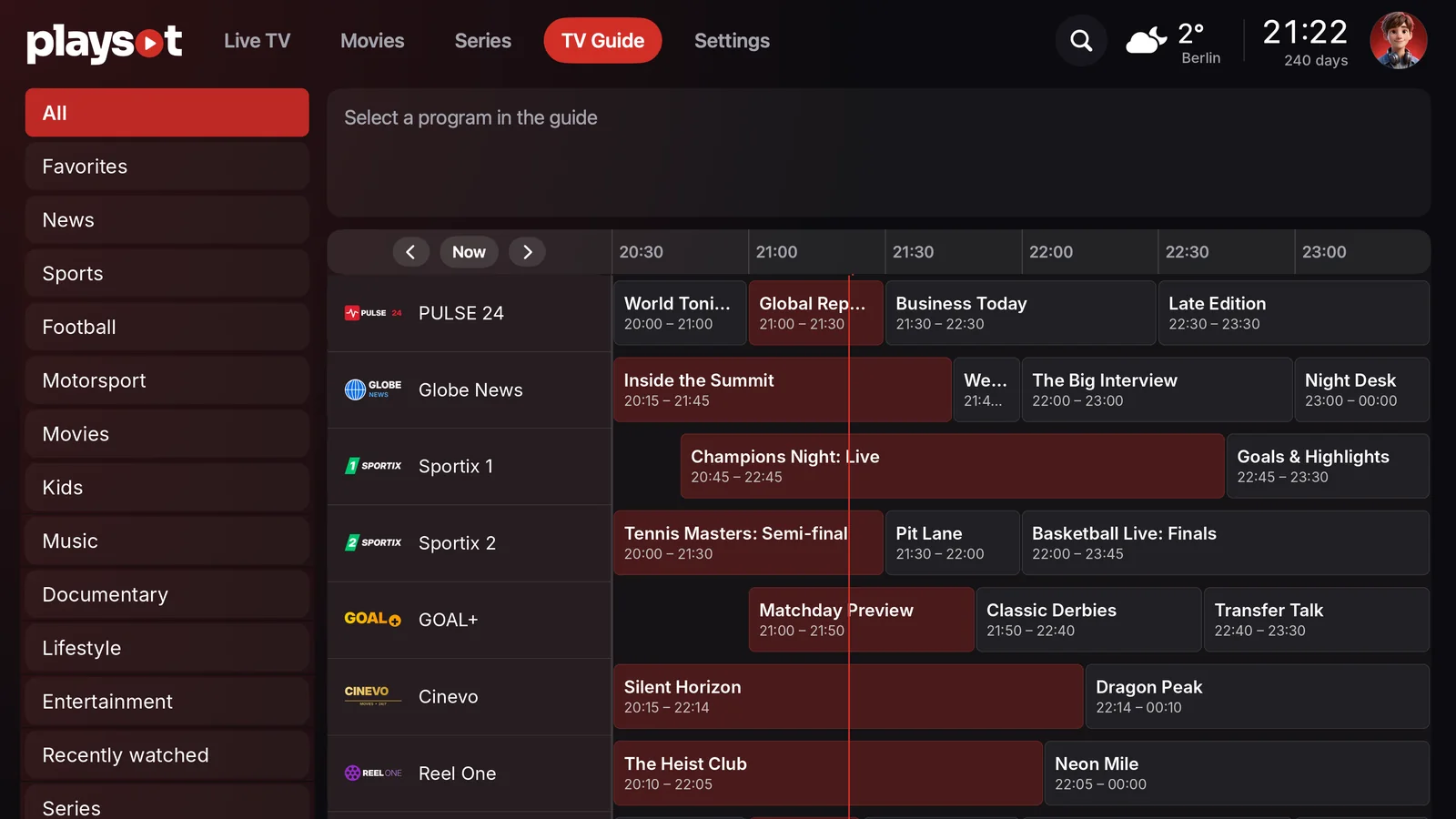
Categories, favorites and a full guide with what's on now and next.
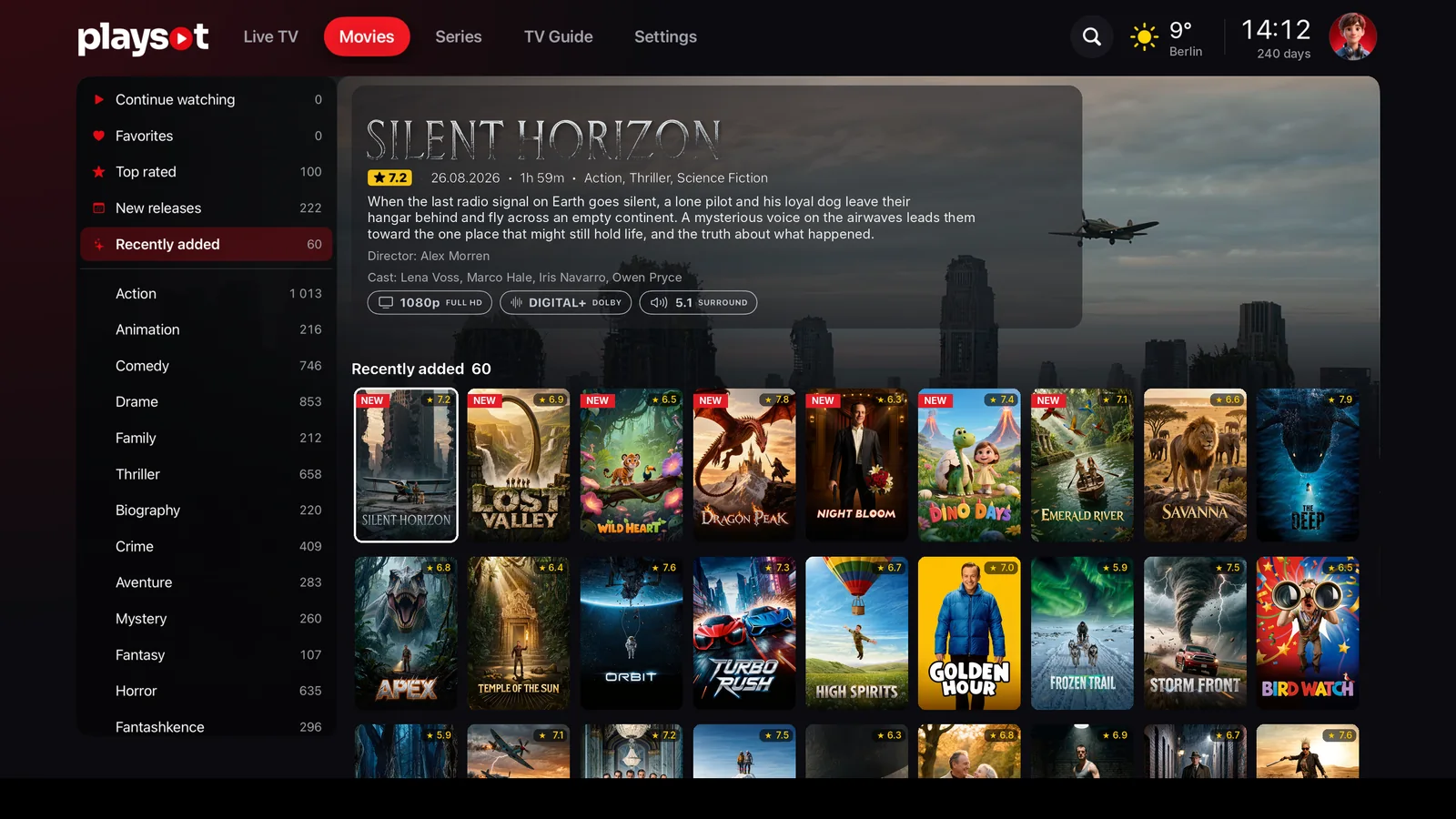
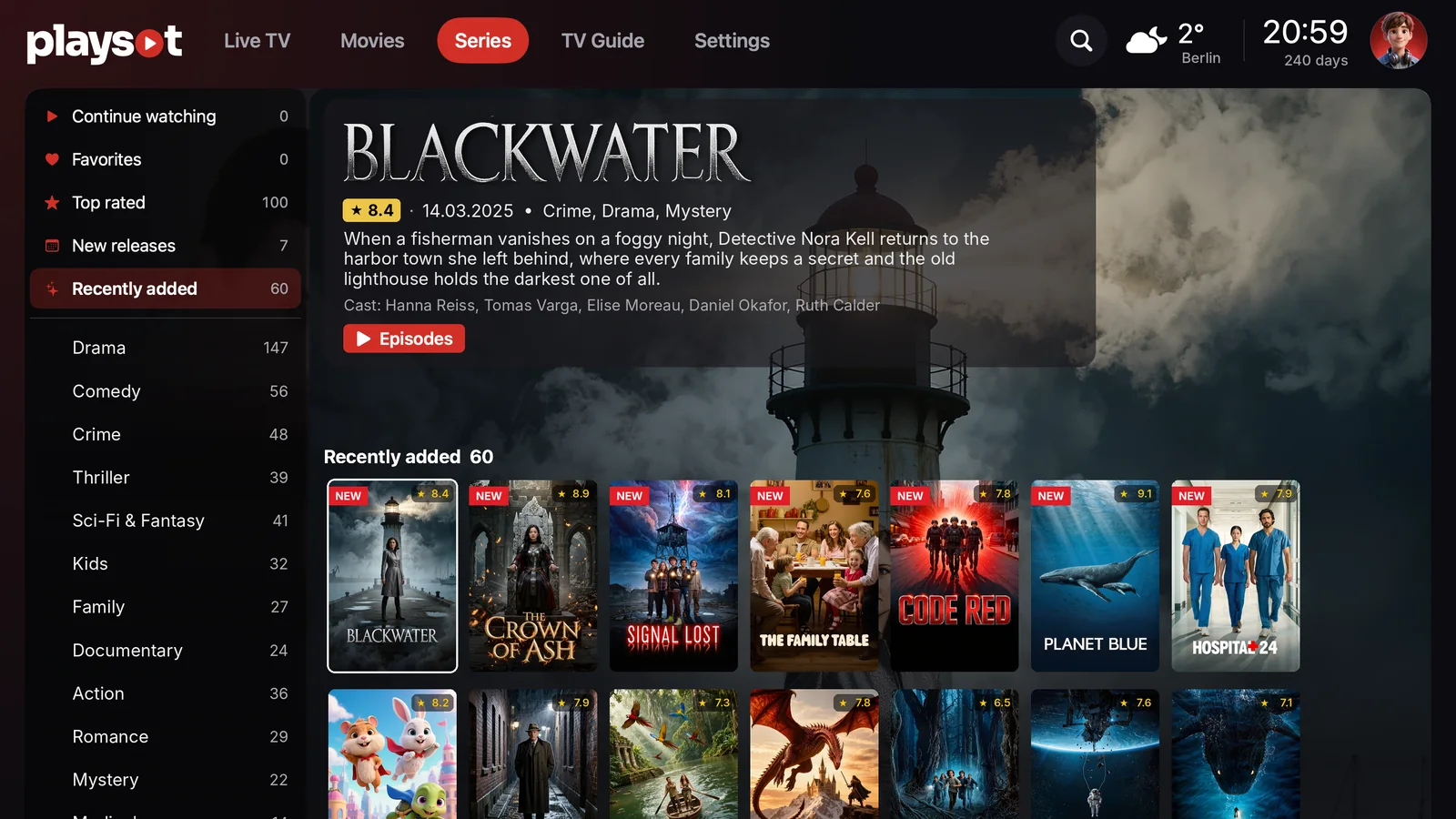
Posters, ratings, cast and seasons, neatly organized.
Pick up exactly where you left off.
Audio language, subtitles and picture size in a few clicks.
4K, Full HD, HDR and 5.1 badges shown from your playlist.
Adult categories stay locked behind your PIN.
The app speaks your language, from English to Albanian.
Add and switch playlists on the portal. No typing in the app.
Play SotPlay SotPlay SotPlay SotPlay SotPlay SotGet the installer for Windows with the button on this page.
Open PlaySot-Setup and follow the steps. A shortcut is added to your desktop and Start menu.
Open Play Sot, then sign in at playsot.com/portal with the MAC and Key shown in the app.
This is normal for new apps from smaller publishers. Click More info (1), then Run anyway (2).
Use the mouse or keep your hands on the keyboard. Every important action has a shortcut.
F11 switches full screen anywhere in the app.
No. Play Sot is a player. You add your own playlist from your provider on the portal, and Play Sot shows it in a clean, organized way. We do not provide or sell any content.
Your own playlist link from your provider. You add it at playsot.com/portal with the MAC and Key shown in the app, and it appears in the app automatically.
The first 14 days are free, with every feature. After that a licence starts from 4 €. See Pricing for all options.
Microsoft SmartScreen shows this for new apps from smaller publishers until they build up a reputation. Click More info, then Run anyway. You can compare the SHA-256 checksum below with your download.
No. Play Sot needs Windows 10 or 11, 64-bit.
Open Settings → Apps → Installed apps, find Play Sot and click Uninstall. Your playlists stay saved in the portal.
–14-day free trial · Windows 10 and 11 · 64-bit · 44.3 MB